Reading List
The most recent articles from a list of feeds I subscribe to.
Chainvas: Make APIs chainable, enhance the canvas API
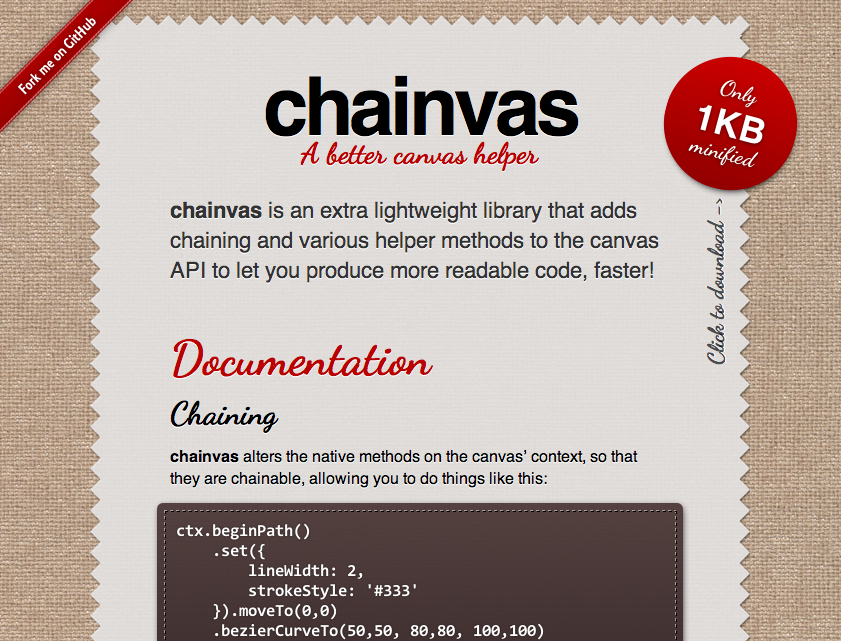 It’s definitely not the first time someone writes a script to make the canvas API chainable, as a quick Google search will confirm.
However, I think my attempt has merit, because it’s not really focused in chaining canvas methods, but just about every API you use it on and because it’s super small, only 1KB!
You can find it here: chainvas
Enjoy!
Chainvas: Make APIs chainable, enhance the canvas API
It’s definitely not the first time someone writes a script to make the canvas API chainable, as a quick Google search will confirm.
However, I think my attempt has merit, because it’s not really focused in chaining canvas methods, but just about every API you use it on and because it’s super small, only 1KB!
You can find it here: chainvas
Enjoy!
Help the community: report browser bugs
Thought I’d let you know that my Smashing Magazine article with that title was published today. It discusses why, how, when and where to report browser bugs, as well as how to make a good bug report.
Get comfortable and make a big cup of coffee before you dive in, as it’s quite long (4000 words).
Help the community: report browser bugs
Thought I’d let you know that my Smashing Magazine article with that title was published today. It discusses why, how, when and where to report browser bugs, as well as how to make a good bug report.
Get comfortable and make a big cup of coffee before you dive in, as it’s quite long (4000 words).
Pure CSS3 typing animation with steps()
steps() is a relatively new addition to the CSS3 animations module. Instead of interpolating the values smoothly, it allows us to define the number of “frames” precisely. So I used it to create headers that have the well-known animated “typing effect”:
As you can see, the number of characters is hardcoded in the steps() function, but that’s the only place. Everything else is totally flexible. Apart from the font: It has to be monospace, so that every character has the same width.
Also, this particular way requires a solid background and an extra <span>. You can avoid these limitations by directly animating the width of the heading itself, but this requires a fixed target width hardcoded in the animation, so 2 things that need to be changed for every heading:
If you’re having trouble understanding how it works, take a look at this simpler example, with just the cursor.
Gecko (Firefox) and Webkit only at the moment, since other engines haven’t implemented CSS animations yet. However, both examples degrade very gracefully in other browsers (IMO at least).